
About ProviderHub
ProviderHub is our digital platform for providers and other businesses who work with us digitally. Here’s everything you need to know.
On this page
Introduction to ProviderHub
Video transcript for 'Introduction to ProviderHub'
ProviderHub is ACC’s online self-service platform for businesses we work with.
It’s built using cloud technology, providing a secure digital experience, protecting the information of our kiritaki (clients), and your business.
You can access services like invoicing and submitting a claim, all in one place.
Each user will have their own login details, giving you the flexibility to work with us in any place, at any time.
Other features to make working with us easier include saving a form as a draft so you can come back to it later or share it with a colleague to complete.
Your business will nominate a ProviderHub administrator to manage tasks like setting up and removing users.
ProviderHub reduces your admin effort, allowing you to spend more time on what matters, helping injured New Zealanders get back to independence and the things they love.
Together, we're all about improving New Zealand's quality of life.
For more information, visit our website, acc.co.nz/providerhub.
About
ProviderHub is our online self-service platform that replaced eBusiness Gateway.
ProviderHub has controls in place to protect your information and the privacy of our shared clients. If you want to learn more, you can read our privacy notice, framework and disclaimer.
ProviderHub makes working with us easier, with the ability to start a form and pass it to another colleague to complete, pause forms for up to 14 days, filter search results, manage your own administrative needs, and more.
New businesses registering with ACC are using ProviderHub, if they don't use a PMS that connects with ACC.
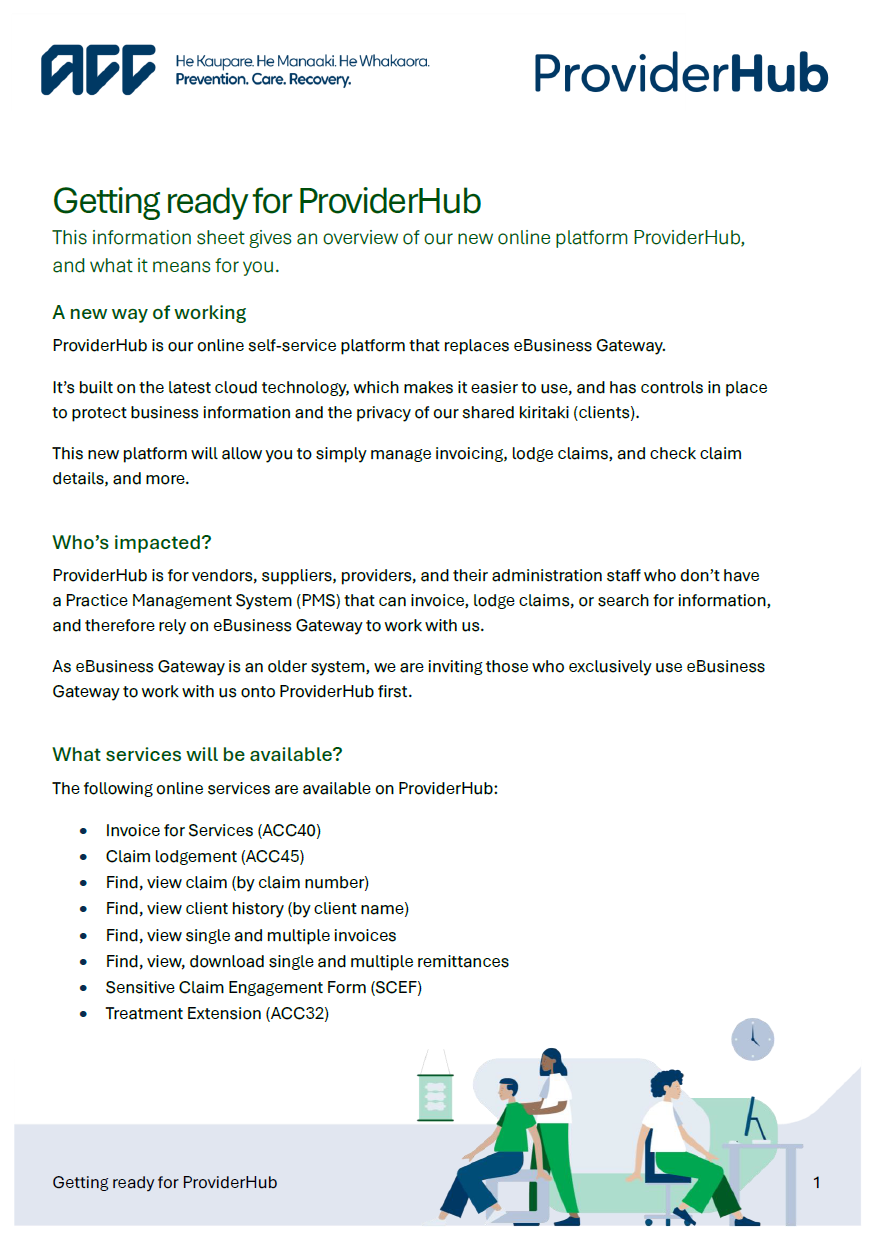
Guide: Getting ready for ProviderHub
This information sheet gives an overview of our online platform ProviderHub, and what it means for you.
ProviderHub tasks
In ProviderHub, your administrator(s) will give you access to specific tasks that you require for your role.
If you currently use a Patient Management System (PMS) for these tasks, continue to access them in your PMS. ProviderHub does not replace your current PMS.
Below is a brief overview of each task. View the guides for more detail.
| Task | Description |
|---|---|
Health treatment |
|
| Claim lodgement (ACC45) | Allows the user to complete and submit an ACC45 form to lodge a new injury claim for a client. |
| Treatment Extension (ACC32) | Allows Allied Health Services contract suppliers and specified treatment providers to: request extra treatment sessions beyond the initial approval and/or submit an updated diagnosis if the patient’s condition changes. |
|
Find claim by number |
Allows the user to search for a specific claim using the client’s ACC claim number if known. Sensitive Claims are not displayed. |
|
Find claim by client |
Allows the user to search a client’s ACC claim history within the last five years using their NHI and DOB. Sensitive Claims are not displayed. |
| Engagement Form |
For named providers working with Sensitive Claims suppliers to complete and submit to ACC, to lodge a Sensitive Claim on behalf of their client. All named providers on a Sensitive Claims contract require will need this task access. |
Finance |
|
| Invoice for services (ACC40) | Allows the user to submit invoices to ACC for treatment and services for your vendor. |
|
Find invoice |
Allows the user to search for up-to-date invoice information for services billed to ACC from your vendor ID. The user will see the client’s name links to the invoice, services providers, and associated costs. Search options:
|
| Find remittance advice |
Allows the user to view and download remittance advice of payments made by ACC to your vendor ID.
|
Administrator tasks |
|
| Manage organisation | This task is only required for administrators. When selecting this task, the user must enter the One Time Code (OTC) that was sent to them when nominated. |
As each user has their own individual login, there is no need for a digital certificate to use ProviderHub. This means you can log in to ProviderHub to do your administrative work from anywhere and at any time.
If you work with multiple organisations, you’ll be able to move easily between the different businesses you support (if they have joined ProviderHub), without the need to log in and out.
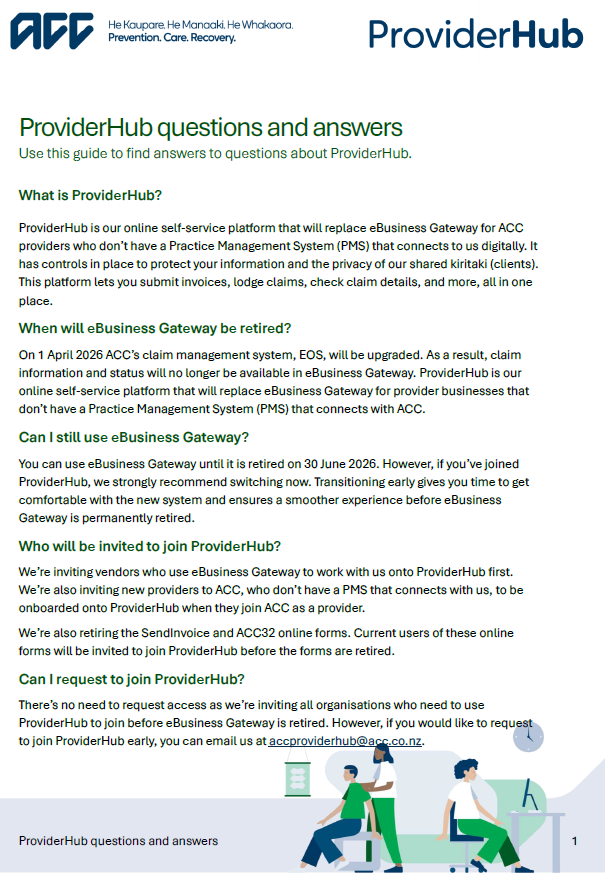
ProviderHub questions and answers
This document answers some commonly answered questions about ProviderHub.
Computer and browser minimum specifications
Your computer and browser need to meet these specifications to use ProviderHub. ProviderHub must be accessed on a desktop and is not available to use on your mobile device.
Operating systems:
- Windows 7 or higher
- Apple OS X 10.7 or higher.
Browsers:
- Microsoft Edge version 11.X or higher
- Firefox version 30.X or higher
- Chrome version 40.X or higher
- Safari version 7.X or higher (except when submitting medical certificates).
Screen resolution:
- 1024 x 768 or higher.
Contact us
We'll contact you when it's your turn to transition to ProviderHub. In the meantime, you can contact us if you have any questions.
Email ACCProviderHub@acc.co.nz
Last published: 18 February 2026